
Run your own office, the Outrigger way.
Not ready for a done-for-you back office? Get the same checklists, logs, forms and trackers we use, built for small construction companies. Download them, print or fill them in, and start today.
Start here, on us
Two free downloads to get your office started. No sign-up needed.
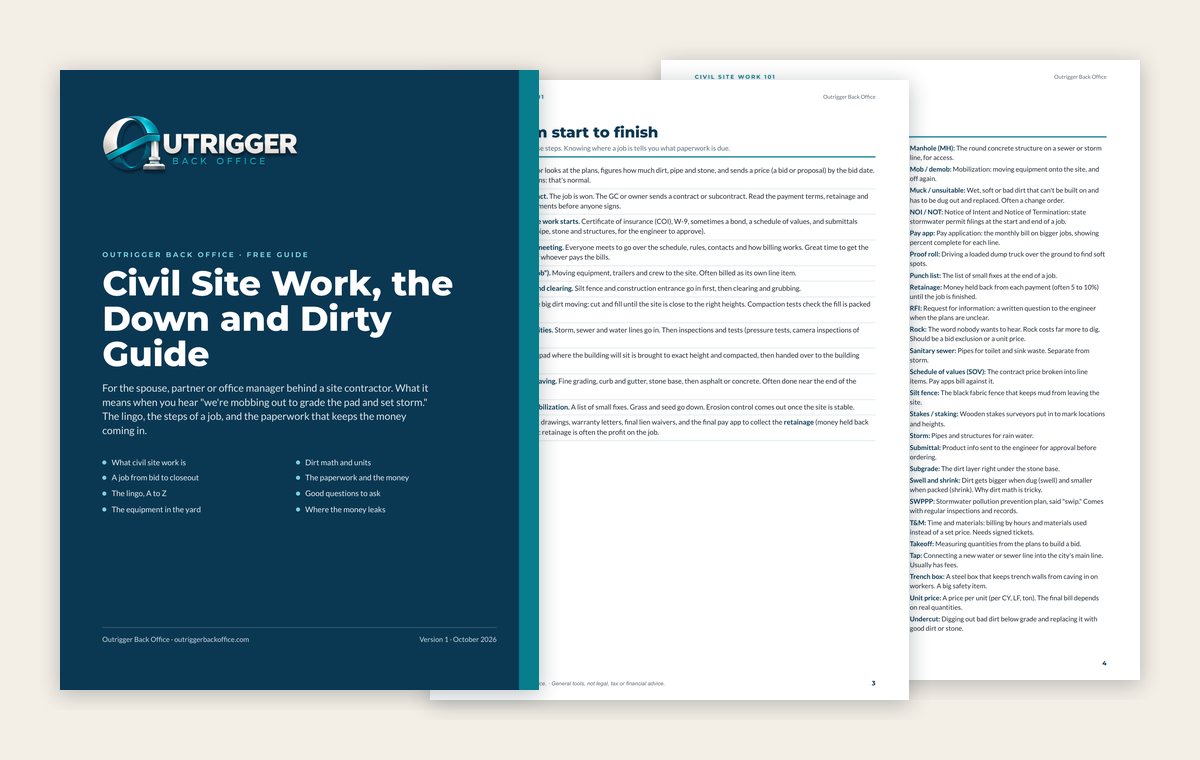
Civil Site Work, the Down and Dirty Guide
- 7-page PDF
For the spouse, partner or office manager behind a site contractor. The lingo, the steps of a job, the equipment and the paperwork that keeps money coming in.
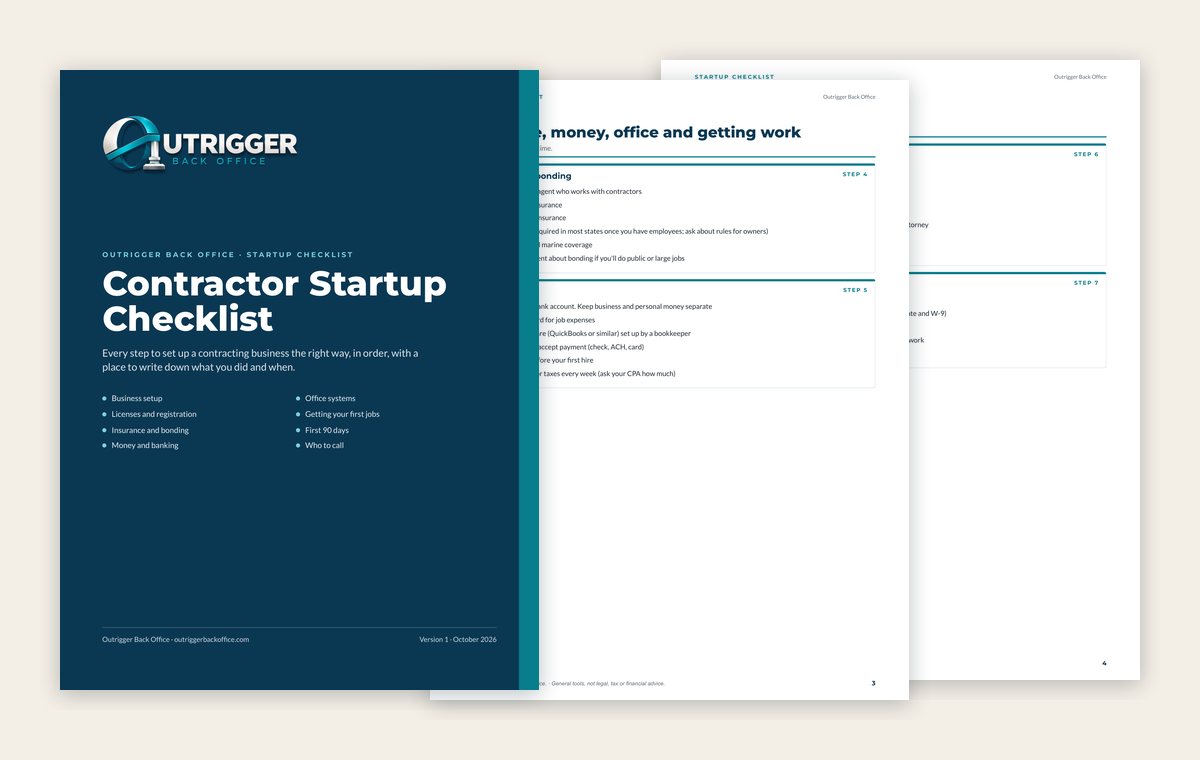
Contractor Startup Checklist
- 6-page PDF, printable and fillable
Every step to set up a contracting business, in order: business setup, licenses, insurance, banking, office systems and your first 90 days.
DIY Office Kit
Our main kit covers the whole office in one download. If you only buy one thing, buy this.
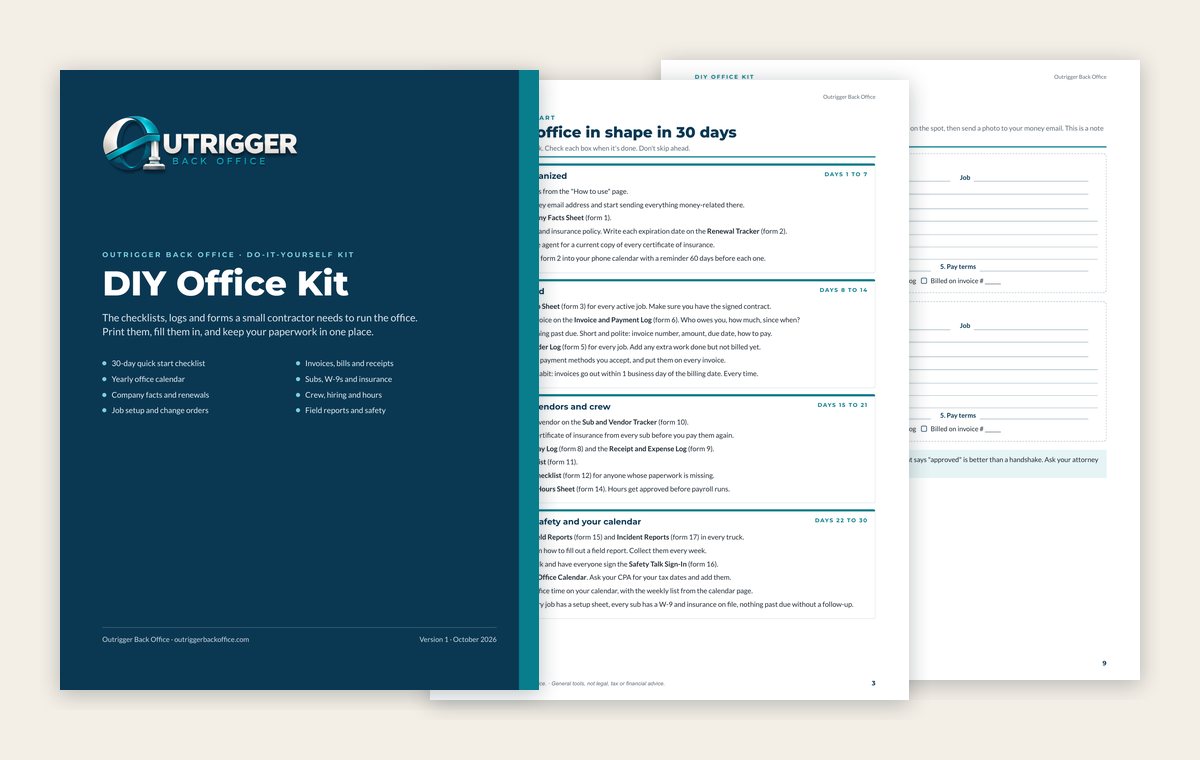
DIY Office Kit
- Printable PDF
- Fillable PDF
- Read Me First guide
- 23 pages
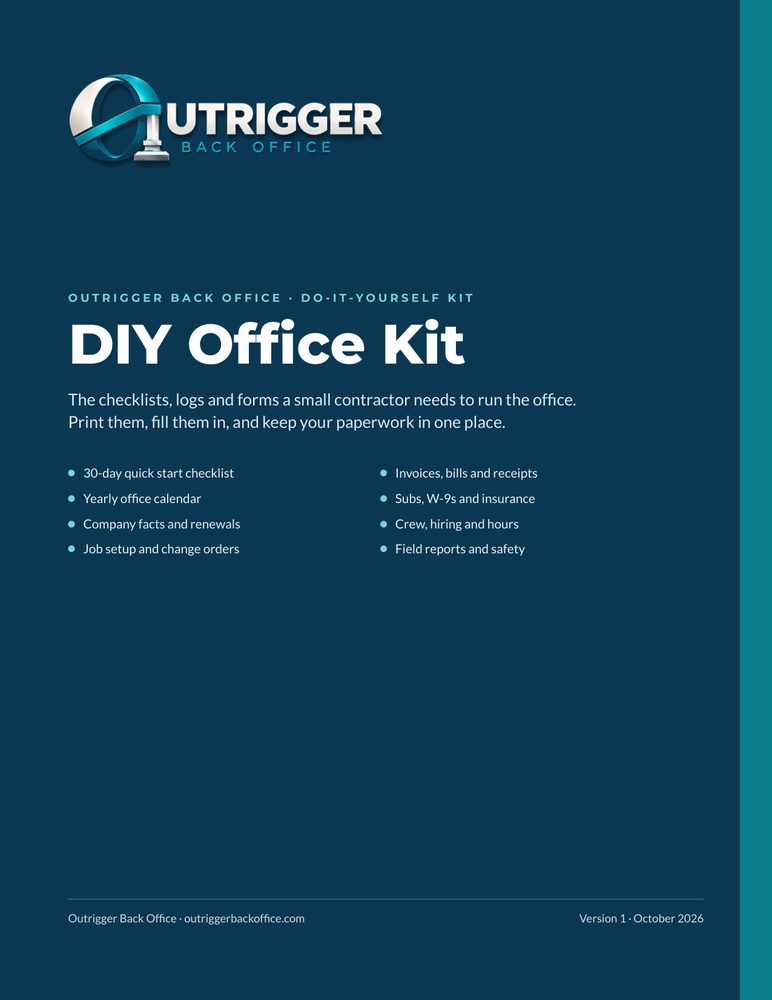
The checklists, logs and forms a small contractor needs to run the office, all in one place.
- 30-day quick start checklist
- Yearly office calendar
- Company facts and renewal tracker
- Job setup sheet and change order log
- Invoice, bill and receipt logs
- Sub W-9 and insurance tracker
- Crew, hiring and hours logs
- Field reports and safety forms
What you get with every kit
Printable PDF
Print it and fill it in by hand. Keep a stack in the truck or a binder in the office.
Fillable PDF
Type right into the boxes on your computer, save it and email it. Works in free programs like Adobe Acrobat Reader, Chrome, Edge or Preview on a Mac. You don't need to buy Adobe.
Excel and Google Sheets
The trackers and workbooks do the math for you. Open them in Excel, or upload them to Google Drive and open them in Google Sheets.
Read Me First and Start Here
Every fillable PDF has a Read Me First page on which free programs to use and how to save your work. Every kit opens with a Start Here page on what's inside and how to use it.
Look inside the DIY Office Kit
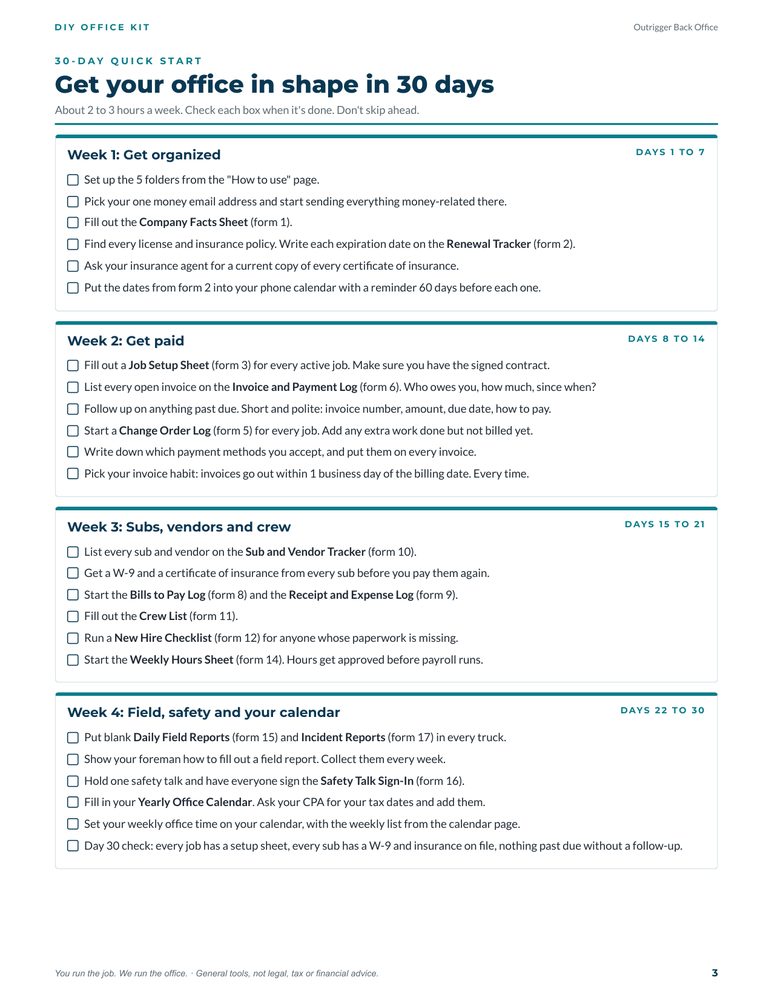
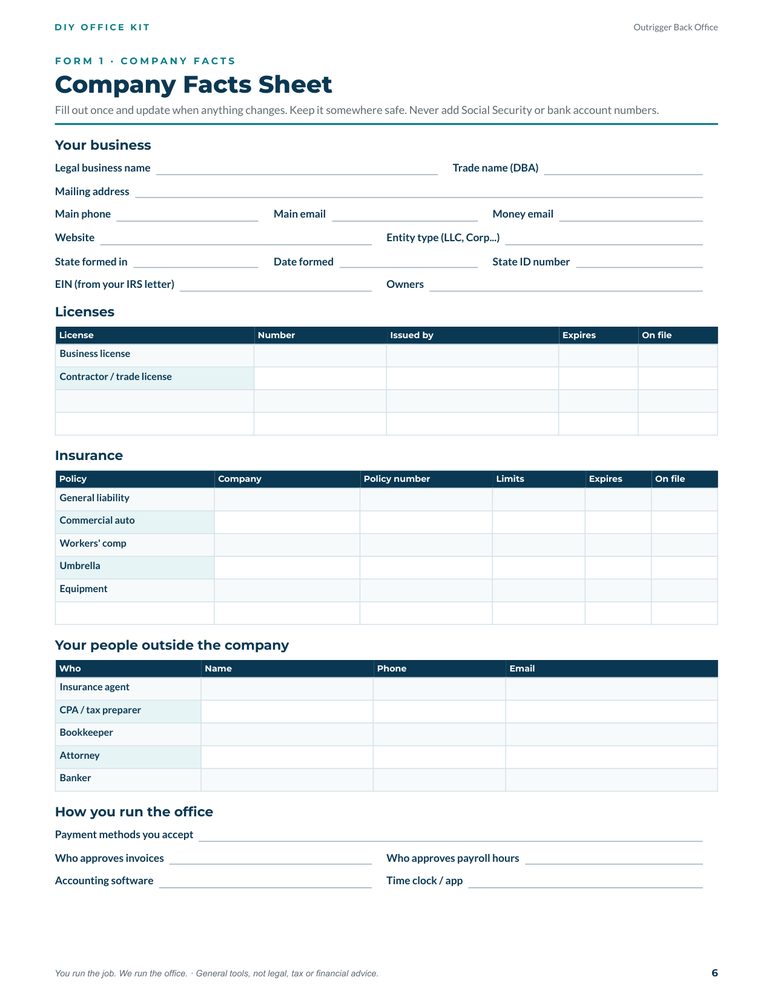
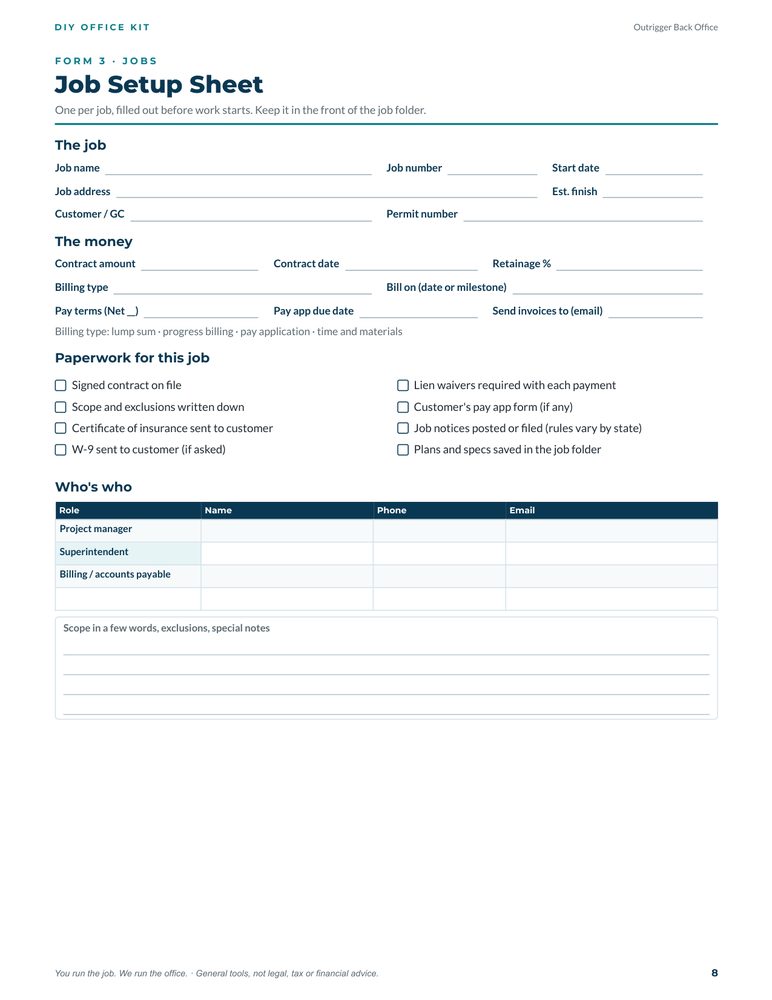
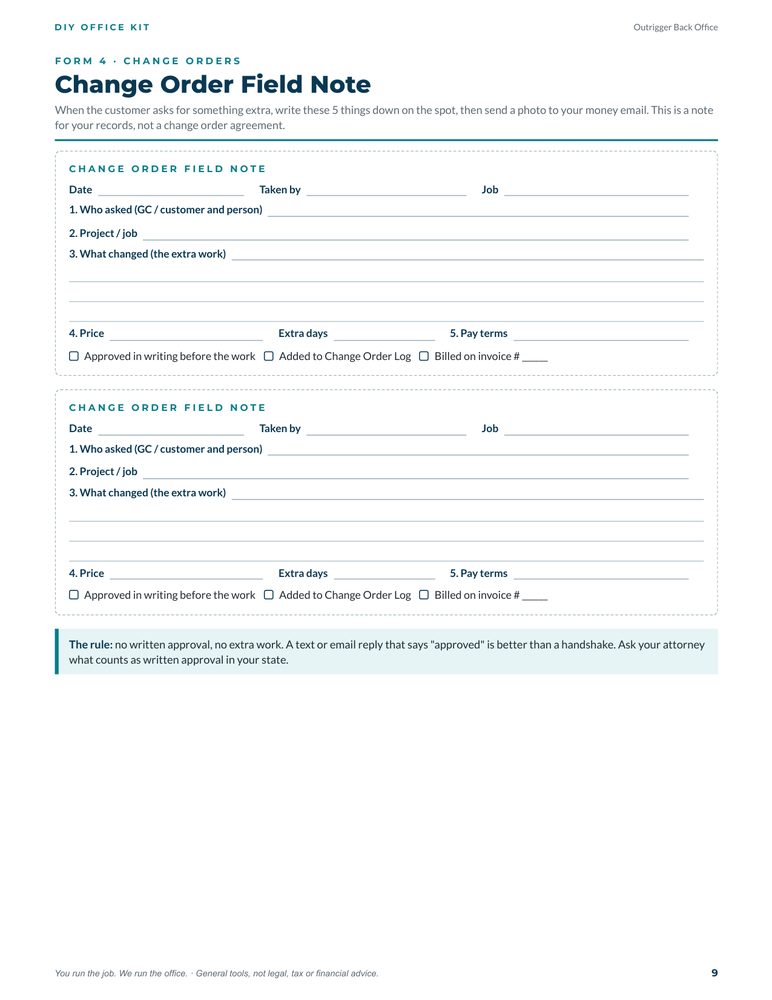
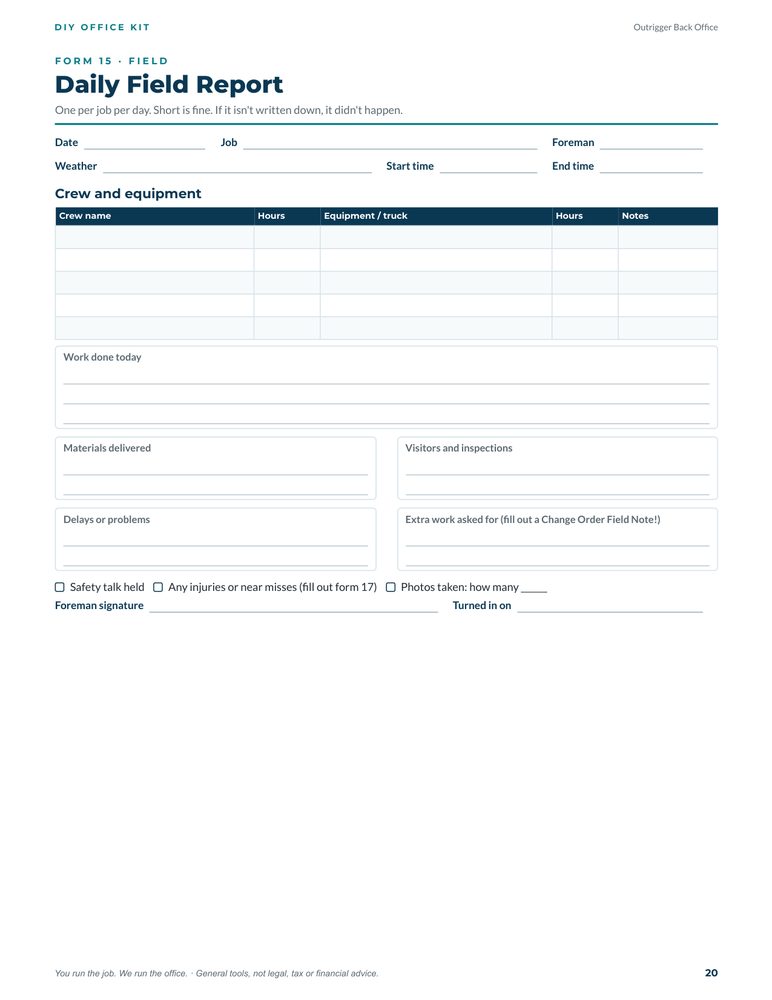
Tap a page to see it bigger. 6 of the 23 pages shown.
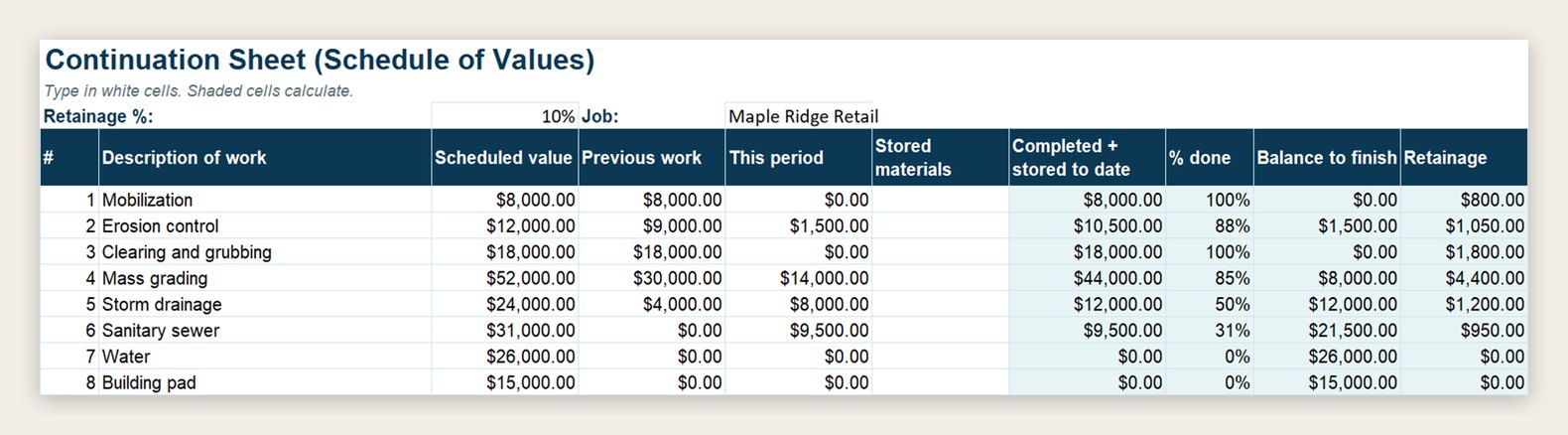
Trackers that do the math
Type in your invoices, costs or pay app numbers. Totals, balances, days late and percent complete fill in on their own. Shown here with made-up sample numbers.


Save with a bundle
Buy the kits together and pay less than buying them one at a time.
Get Paid Bundle
$148 if bought separately. You save $51.
Everything that stands between finished work and money in the bank.
- Change Order Kit ($37)
- Pay App Billing Kit ($47)
- Lien Waiver Tracker and Guide ($27)
- AR/AP Tracker ($37)
Complete Office Library
$390 if bought separately. You save $193.
Every kit and tracker we make, including the DIY Office Kit.
- DIY Office Kit ($67)
- Change Order Kit ($37)
- Pay App Billing Kit ($47)
- Lien Waiver Tracker and Guide ($27)
- Sub Compliance Kit ($27)
- New Hire Packet ($27)
- Field Forms Pack ($27)
- Bid Template ($47)
- AR/AP Tracker ($37)
- Job Cost Tracker ($47)
Pick the kit you need
Each kit fixes one part of the office. Every PDF kit comes as both a printable and a fillable PDF.
Get paid
Change Order Kit
- Printable PDF
- Fillable PDF
- 10 pages
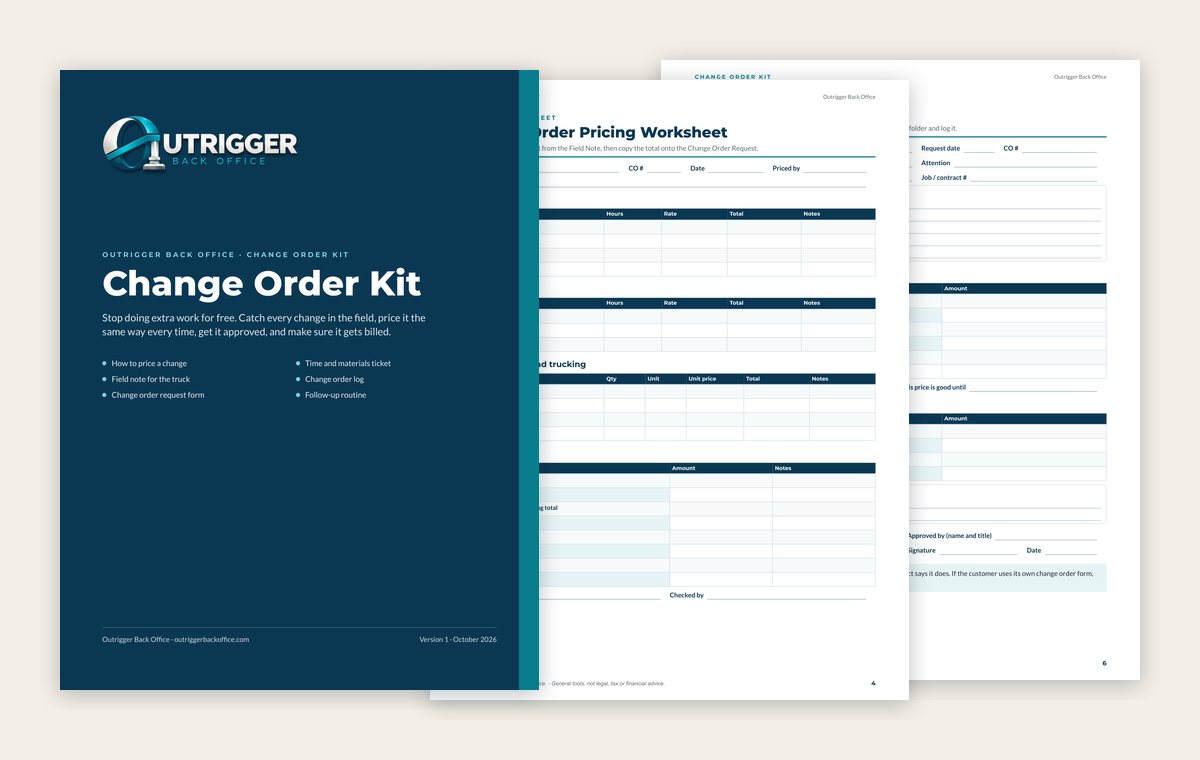
Catch every change in the field, price it the same way every time, get it approved and make sure it gets billed.
- The 7 costs to include in every change
- Pricing worksheet
- Field note for the truck
- Change order request form
- Time and materials ticket
- Change order log and weekly routine
Pay App Billing Kit
- Printable PDF
- Fillable PDF
- Excel workbook
- 9 pages + workbook
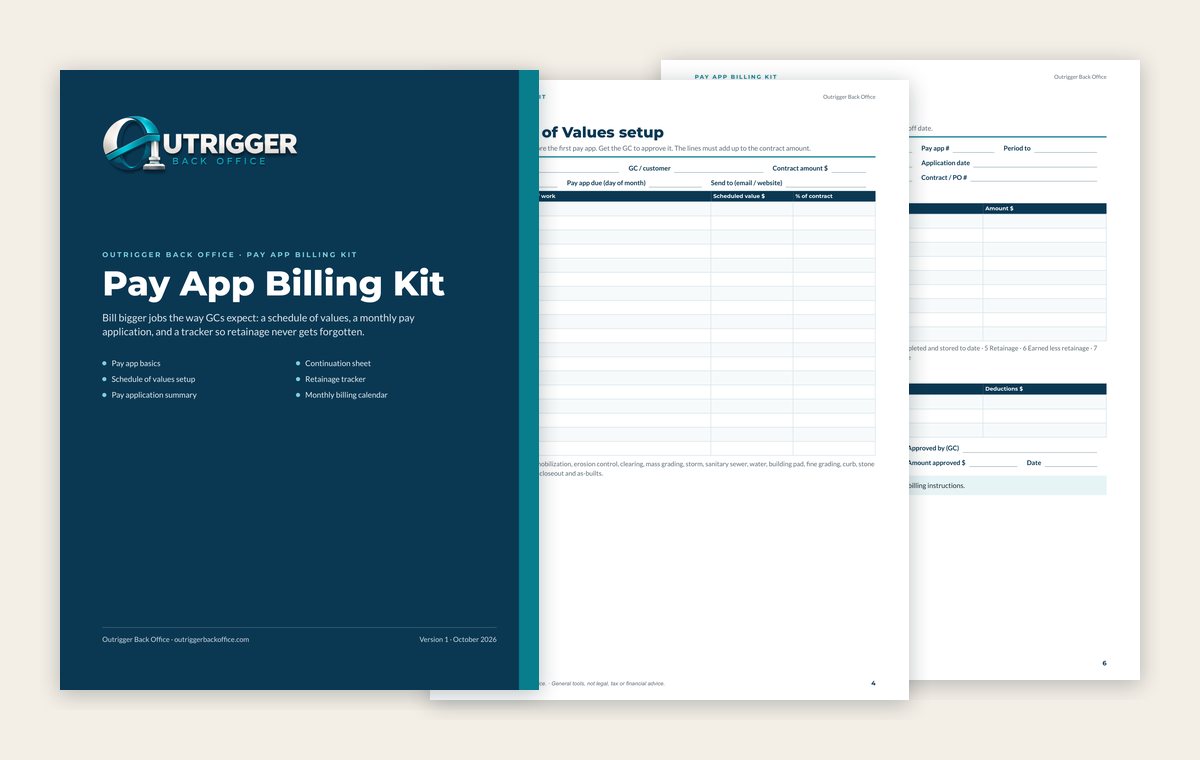
Bill bigger jobs the way GCs expect, with a schedule of values, a monthly pay app and a retainage tracker.
- Pay app basics in plain English
- Schedule of values setup
- Continuation sheet
- Pay application summary
- Billing calendar and retainage tracker
- Excel workbook that does the math
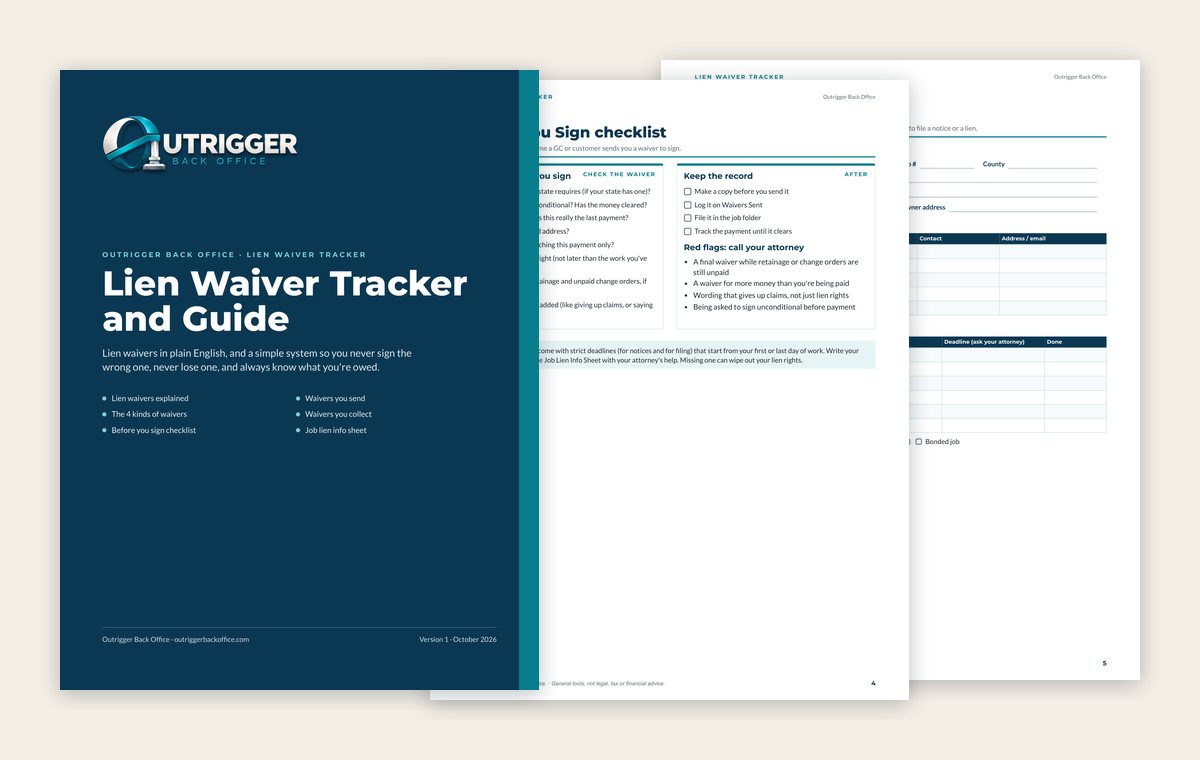
Lien Waiver Tracker and Guide
- Printable PDF
- Fillable PDF
- 8 pages
Lien waivers explained in plain English, plus a simple system to track every waiver you send and collect.
- What lien waivers are and why they matter
- The 4 kinds of waivers
- Before-you-sign checklist
- Job lien info sheet
- Waivers sent and waivers collected trackers
Waiver forms are not included. Many states set the exact wording by law, so get yours from your attorney or your state.
Order by emailBids and money
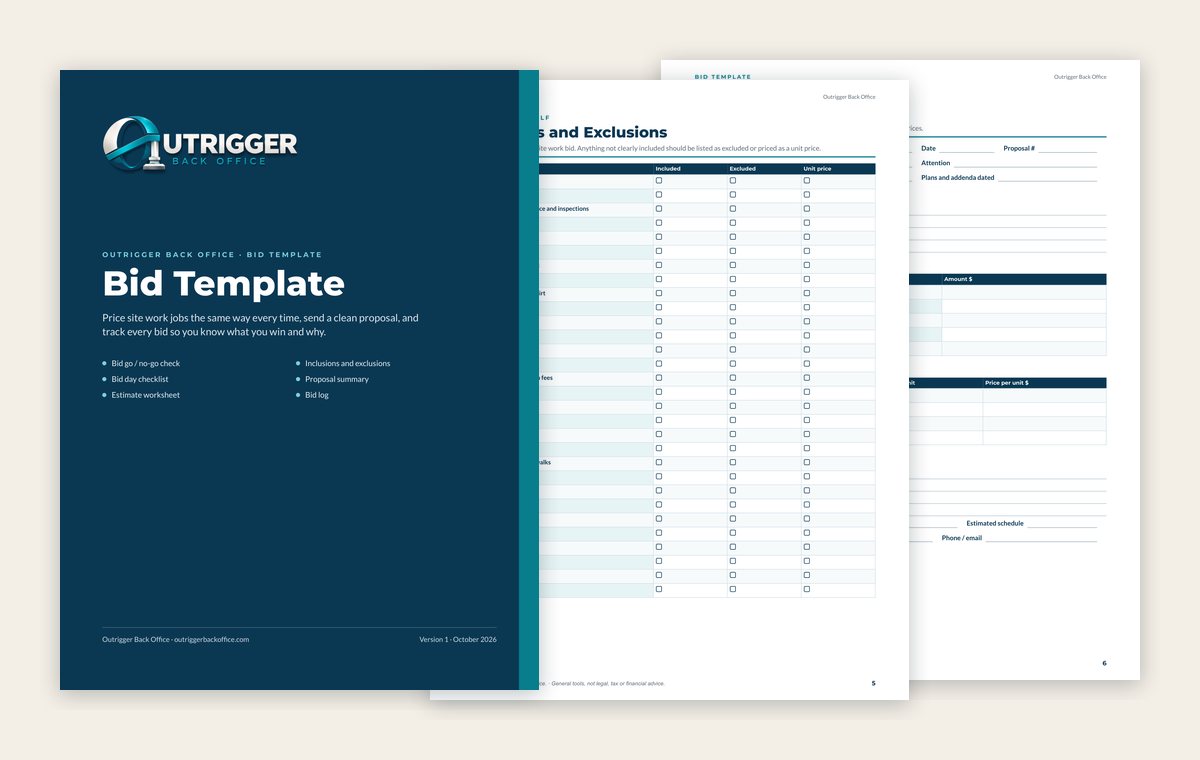
Bid Template
- Printable PDF
- Fillable PDF
- Excel workbook
- 8 pages + workbook
Price site work jobs the same way every time, send a clean proposal and track every bid you win or lose.
- Bid go / no-go check
- Bid day checklist
- Estimate worksheet
- Inclusions and exclusions list
- Proposal summary page
- Bid log, plus an Excel workbook that does the math
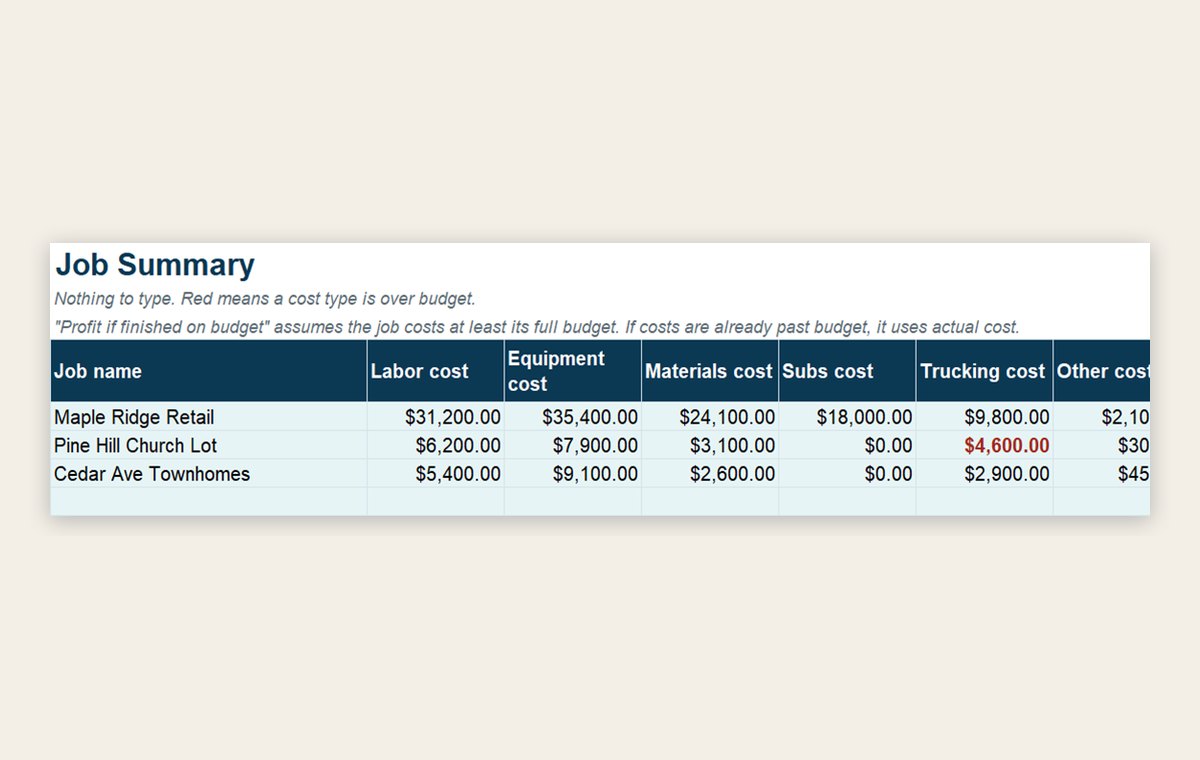
Job Cost Tracker
- Excel
- Google Sheets
- 5 tabs
Set a budget for each job, log costs as they come in and see which jobs are making money.
- Job list
- Budget by job and cost type
- Cost log
- Summary that compares budget to actual
- Start Here tab with instructions
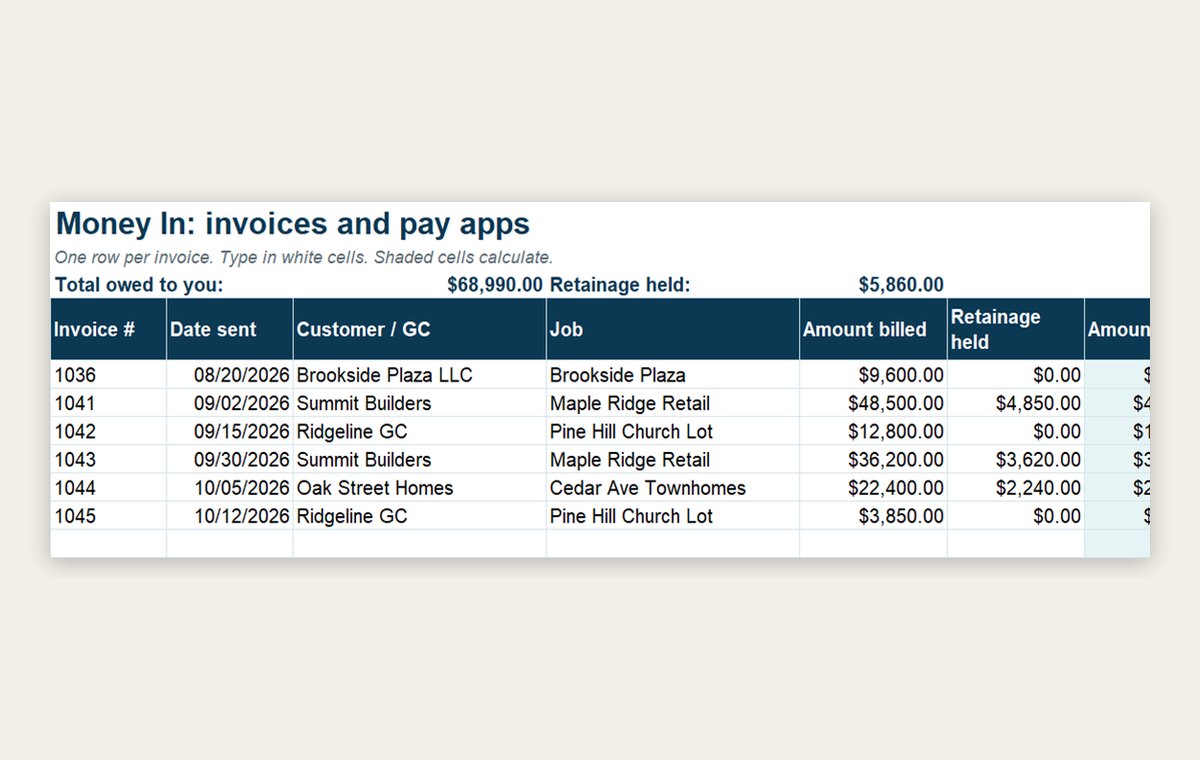
AR/AP Tracker
- Excel
- Google Sheets
- 5 tabs
See who owes you, who you owe and what's past due, all in one spreadsheet.
- Money in: every invoice and payment
- Money out: every bill you owe
- Aging report that updates itself
- Weekly cash view
- Start Here tab with instructions
Field, subs and crew
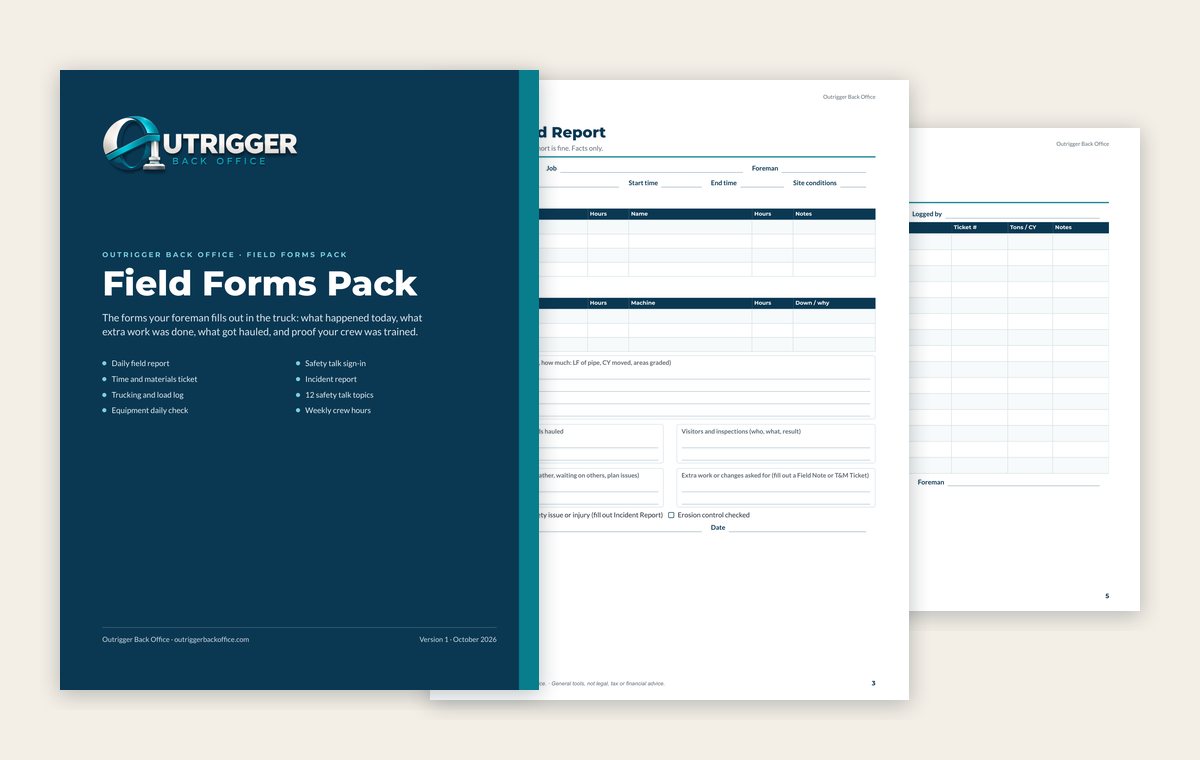
Field Forms Pack
- Printable PDF
- Fillable PDF
- 11 pages
The forms your foreman fills out in the truck: what happened today, what extra work was done and what got hauled.
- Daily field report
- Time and materials ticket
- Trucking and load log
- Equipment daily check
- Safety talk sign-in and 12 talk topics
- Incident report and weekly crew hours
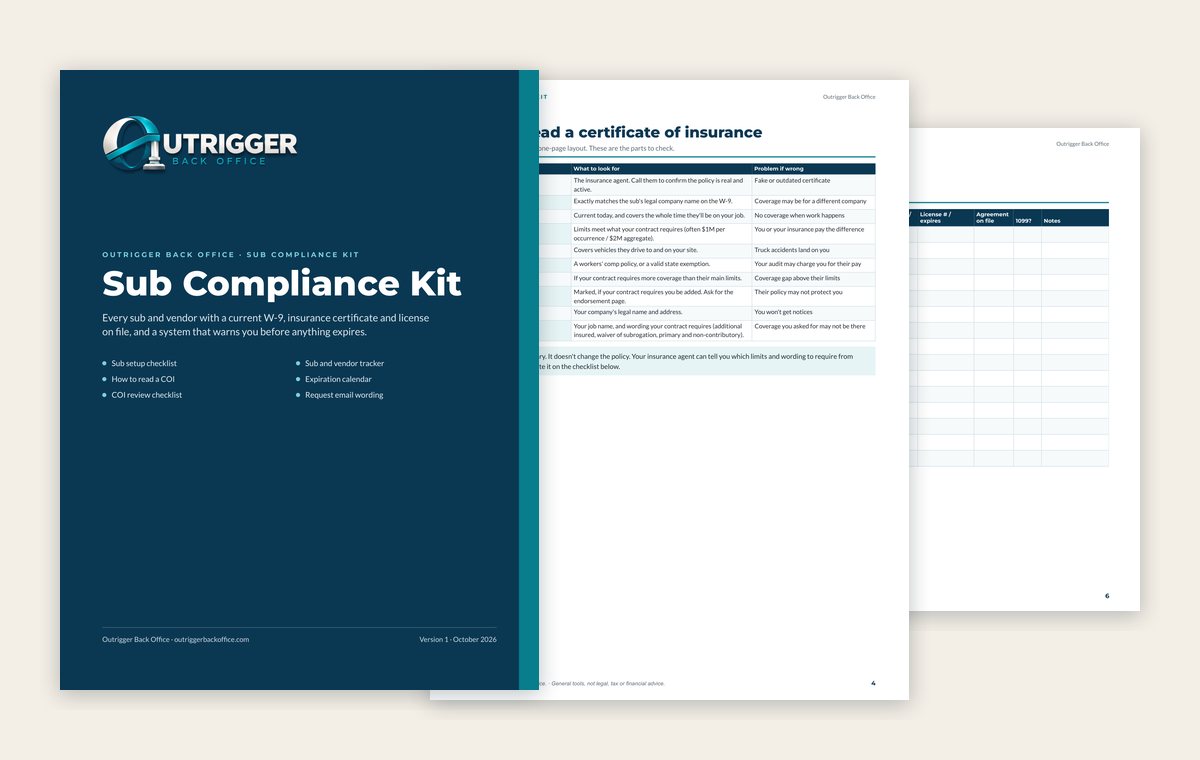
Sub Compliance Kit
- Printable PDF
- Fillable PDF
- 9 pages
Keep a current W-9, insurance certificate and license on file for every sub and vendor, and see what expires next.
- Sub setup checklist
- How to read a certificate of insurance
- COI review checklist
- Sub and vendor tracker
- Expiration calendar
- Ready-to-send request emails
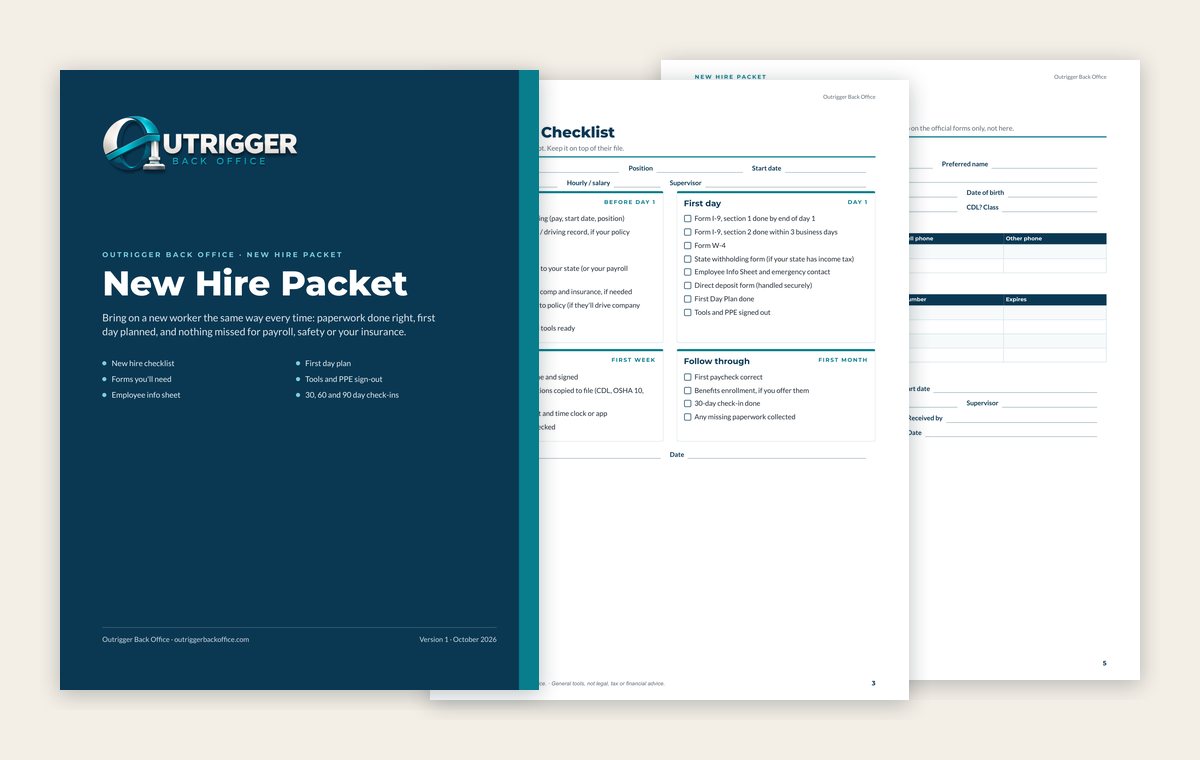
New Hire Packet
- Printable PDF
- Fillable PDF
- 9 pages
Bring on a new worker the same way every time, with the paperwork done and the first day planned.
- New hire checklist, offer to first paycheck
- List of the forms you'll need
- Employee info sheet
- First day plan
- Tools and PPE sign-out
- 30, 60 and 90 day check-ins
All kits are digital downloads for use inside your own company. They are general organizing tools and education, not legal, tax, accounting, insurance or financial advice. Rules differ by state and change, so check with your own attorney, CPA and insurance agent. Prices may change.
Shop FAQ
What's the difference between the printable and fillable PDF?
They have the same pages. The printable PDF is made to print and fill in by hand, so you can keep a stack in the truck or a binder. The fillable PDF has typing boxes, so you can fill it in on a computer, save it and email it.
Do I need to buy Adobe to use the fillable PDFs?
No. The fillable PDFs work in free programs like Adobe Acrobat Reader, Google Chrome, Microsoft Edge and Preview on a Mac. Every fillable PDF has a Read Me First page that shows which free programs to use and how to fill in and save your work.
Do the spreadsheets work in Google Sheets?
Yes. The trackers and workbooks are Excel files. Open them in Excel, or upload them to Google Drive and open them with Google Sheets. The math is already built in, so you just type in your numbers.
How do I get my files?
Checkout is handled securely by Stripe. Right after you pay, you go straight to your download page, and Stripe emails your receipt. Save the files to your computer or Google Drive so you always have them.
Can I use the kits for more than one job?
Yes. Print as many copies as you need and reuse the forms on every job for your own company. Please don't resell or share the files outside your company.
Are these legal forms?
No. The kits are general organizing tools and plain-English education, not legal, tax, accounting, insurance or financial advice. Contracts, lien waiver forms and employee handbooks are left out on purpose because they need an attorney in your state. Check with your own attorney, CPA and insurance agent before you rely on anything in a kit.
What if I'd rather have someone do it for me?
That's what Outrigger's done-for-you plans are for. We run your billing, change orders, pay apps, sub paperwork and payroll entry for you. Start with a free office checkup.